Filed PerformanceLength 11 minWords 2,592
Why a Facilities Management Website Is Slow, and What Actually Fixes It
Page speed on a facilities site is usually lost to four things, and none of them is hosting. What the metrics measure, what causes the damage, and the order to fix it in.
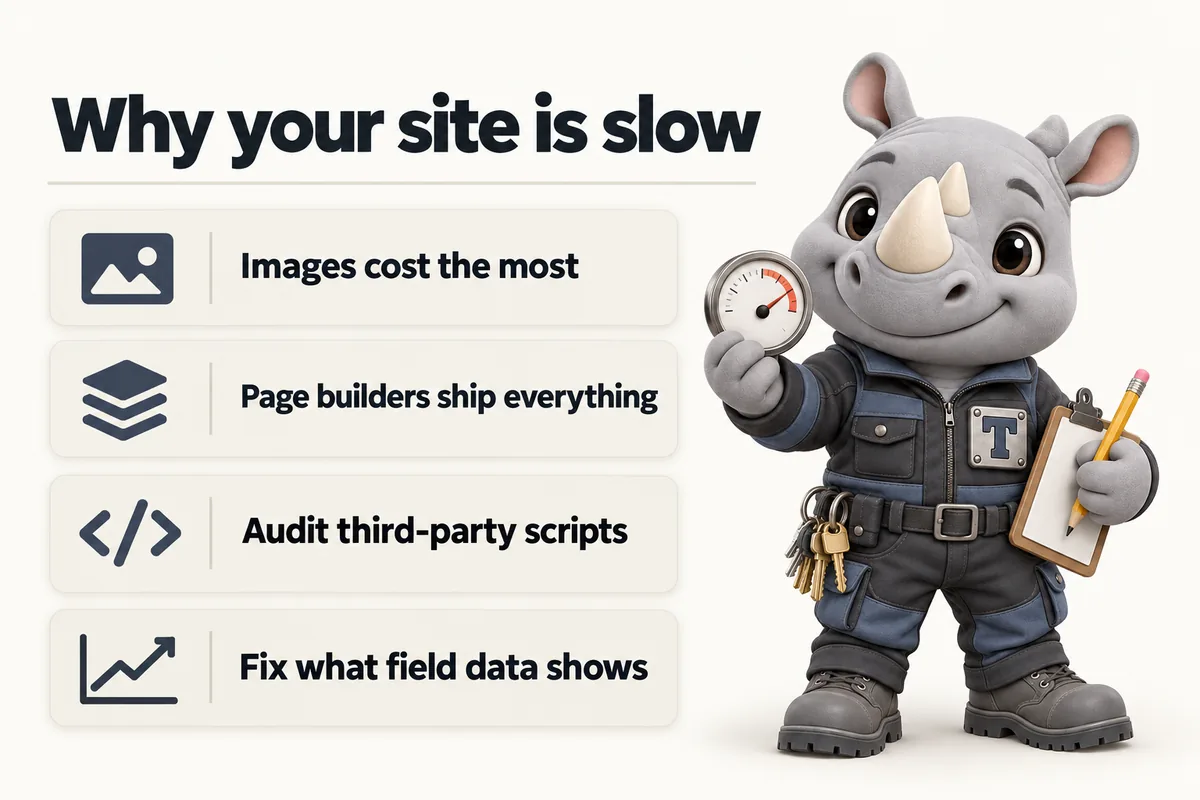
A slow facilities management website is almost never slow because of hosting. In the audits we run, the damage is done by four things in roughly this order: unoptimised images, a page builder shipping its entire runtime on every page, third-party scripts, and web fonts. Hosting is the fifth item on that list and it is usually a minor one, which is unfortunate because it is the one people change first.
The reason this matters commercially has very little to do with search ranking, despite that being how the subject is usually sold. It matters because of what a procurement reviewer does when a page is slow. They are comparing several supplier sites in one sitting, usually with a checklist, usually under time pressure. A page that takes several seconds to become useful loses them before a word of your copy has been evaluated, and you never find out it happened.
What the Metrics Actually Measure
Before fixing anything it helps to know what is being measured, because the three headline metrics measure three different failures and the fixes do not overlap.
Largest Contentful Paint measures how long it takes for the biggest piece of content in the viewport to appear. On a facilities site that is almost always the hero image or the main heading. A poor score here means the visitor is looking at an empty or half-built page. This is the metric images destroy.
Interaction to Next Paint measures how quickly the page responds when someone interacts with it. A poor score means taps and clicks feel laggy, which is a script problem: the main thread is busy doing something else when the visitor tries to use the page.
Cumulative Layout Shift measures how much the page jumps around while it loads. A poor score means content moves under the visitor’s finger. This is caused by images without declared dimensions, fonts swapping late, and injected banners.
Google’s documentation on page experience is explicit that these describe user experience rather than server behaviour, and that it considers them alongside, not instead of, content quality. The practical reading is that speed will not rescue a thin site, and a slow site will lose visitors a fast one would have kept.
The Four Real Causes
Images
Nearly every facilities site is carrying photographs at several times the size they are displayed at, in a format from a decade ago, all loading at once.
Three separate mistakes usually stack. The file is a photograph at full camera resolution being displayed in a space a fraction of that width. The format is JPEG or PNG where a modern format would be considerably smaller at the same visual quality. And every image on the page loads immediately, including the ones several screens down that most visitors never reach.
The fixes are well understood and mostly mechanical: serve images at the dimensions they are actually displayed at, in a modern format, with width and height attributes declared so the browser can reserve the space before the file arrives, and with lazy loading on everything below the fold. Declaring dimensions is the part most often skipped and it is the one that fixes layout shift, because an image without declared dimensions occupies no space until it lands and then shoves everything below it down.
One caution specific to this sector. The hero image should not be lazy loaded. It is the largest contentful paint, and telling the browser to defer it is a common self-inflicted wound that makes the headline metric worse while looking like an optimisation.
The Page Builder
If the site is built on a visual page builder, a large fixed cost is being paid on every page whether or not that page uses the features.
This is not a fault in the tools so much as a consequence of how they work. A builder that can render any layout has to ship the code that renders any layout, and it generally ships it everywhere. A text-only policy page on such a site can end up carrying the same script and style payload as the most complex page in the estate.
This is the one item on the list that usually cannot be fixed in place. You can trim plugins, remove unused modules and cache aggressively, and the page will get somewhat lighter, but the floor stays where the platform puts it. If the floor is above where you need to be, the honest answer is that the platform is the constraint. A custom-built site has a different floor because it ships only what the page uses.
Third-Party Scripts
Every tag added to a site has a cost, and the ones that cost most are frequently the ones nobody remembers adding.
The usual inventory on a facilities site: an analytics tag, a tag manager, a chat widget, a heatmap or session recorder from a trial that ended, a remarketing pixel from a campaign that finished, a cookie banner, and a review widget. Several of those load additional scripts of their own, which is why the measured cost is usually larger than expected.
Chat widgets and session recorders are the two worst offenders in practice, because both load early and both do continuous work. They are also the two most likely to be delivering no current value, because chat widgets are often unstaffed and recorders are often unwatched.
The audit is simple and worth doing annually. List every third-party script on the site. For each, name the person who looks at its output. Remove the ones with no name. Then defer everything that survives, so the page becomes usable before the tags run rather than after.
Fonts
Custom fonts are worth having and they are frequently loaded in the most expensive way available.
The failure modes are a font file that blocks rendering, so the page shows nothing while it downloads; loading many weights and styles when the design uses three; and no fallback strategy, so text either does not appear at all or appears and then reflows when the real font lands.
The fixes: load only the weights actually used, use a display strategy that shows fallback text immediately rather than hiding it, and define a real fallback stack with similar metrics so the swap does not move the layout. A site loading two families at three weights each, with a proper fallback, pays a small and well-behaved cost. A site loading six families because the theme offered them is paying for something nobody chose.
The Order to Fix Things In
Do these in sequence and re-measure after each, because fixing them in the wrong order makes it impossible to tell what worked.
First, images. Largest effect, lowest risk, no platform change required.
Second, third-party scripts. Remove the unused, defer the rest. Also low risk, and it is the change most likely to fix a poor interactivity score.
Third, fonts. Small, contained, and it usually removes the remaining layout shift.
Fourth, measure again and decide honestly whether the platform floor is the remaining problem. If the page is now mostly waiting on the builder’s own runtime, no further tuning will help and the decision becomes a rebuild decision rather than an optimisation one.
Hosting comes fifth, and it matters most for the part nobody looks at: how quickly the server returns the first byte, and whether it does so from somewhere near the visitor. Serving from an edge network is a genuine improvement, particularly for a national contractor whose buyers are spread out. But it improves the delivery of whatever you are sending. Sending less is the larger lever.
Diagnosing It Yourself in Twenty Minutes
You do not need a specialist to find out which of the four causes is doing the damage on your site. You need a browser and twenty minutes.
Open the page in a private window with the developer tools network panel showing, and reload. Sort the requests by size. The answer is usually at the top of that list and it is usually an image. If the three largest requests are photographs, images are your problem and nothing else on this page matters until they are fixed.
Next, look at the number of requests and where they come from. Every domain that is not yours is a third party. Count them. If the list includes anything you cannot name a purpose for, you have found the second problem.
Then look at the font requests. Count the font files. If there are more than four, you are loading weights the design does not use.
Finally, throttle the connection to a slow mobile profile and reload while watching the page rather than the numbers. What you are looking for is the moment the page becomes useful, and whether anything jumps after it appears. That single observation tells you more about the visitor’s experience than any score, and it is the test worth repeating after every fix.
None of this requires interpreting a metric. It requires looking at what the page is actually downloading, which most site owners have never done and which is almost always immediately clarifying.
The Pages Nobody Measures
Speed work concentrates on the home page, which is usually the page least in need of it.
The home page gets the attention, the optimised hero image and the careful testing. Meanwhile the service pages, which are where buyers actually land from search, carry whatever was convenient. The policy pages, which a procurement reviewer opens during due diligence, carry the full platform payload to deliver four paragraphs of text. The blog, which is the entry point for the largest share of first-time visitors on a site that publishes, is frequently the heaviest template on the estate because it carries sidebars, related-post widgets and share buttons nobody uses.
Measure the pages people actually enter on, which for most facilities sites means a service page, a location page and whichever article is currently getting traffic. If those are slow, the home page being fast is a private achievement.
The same applies to the mobile versions specifically. A surprising number of facilities sites are tuned on a desktop and never checked on a phone, on a site whose buyers are frequently not at a desk.
Lab Scores and Real Visitors
Two kinds of speed data exist and they routinely disagree, which causes a lot of wasted effort.
Lab data comes from a synthetic test: one run, one simulated device, one network profile. It is reproducible and it is good for comparing a change against the version before it. It is not a description of your visitors.
Field data comes from real sessions on real devices. It is the thing that reflects what actually happens, including the visitor on a phone with poor signal standing in a plant room, which is a genuinely common context in this industry.
The trap is optimising for the lab number. A change that improves a synthetic score without improving field data has cost effort and delivered nothing. Use the lab score to check whether a specific change helped, and use field data to decide what to work on.
It is also worth being realistic about scores in general. A perfect number on a test is not the goal; a page that is useful quickly on a mid-range phone is. Those usually coincide, but when they diverge, choose the phone.
What Speed Is Actually Worth Here
The honest case for speed on a facilities site is not a ranking case and it is not a conversion-rate case borrowed from retail.
It is that your website is frequently read in bad conditions by people with limited patience. A facilities manager checking a supplier on a phone between site visits. A procurement reviewer working through four candidate sites in an hour. A buyer following a link from an email on a locked-down corporate network where the scripts are half blocked anyway.
In every one of those situations, the page that is useful immediately gets read and the one that is not gets closed. That is the whole argument, and it does not require a statistic to be persuasive to anyone who has watched it happen.
The corollary is that speed work is finished when the page is reliably useful quickly in those conditions, not when a number reaches a threshold. Test on a real mid-range phone, on real mobile data, in a real building with bad signal. It is a more informative test than any tool, and it takes five minutes.
What Slow Looks Like to a Buyer
It is worth describing the failure in human terms, because the metrics abstract it away.
A facilities manager opens your site from a search result on a phone. For a second and a half there is a blank white screen with nothing on it. Then the heading appears in a fallback font. Then the hero photograph arrives and pushes the heading down, so the sentence they had started reading has moved. Then a cookie banner slides up from the bottom and covers the button. Then, a moment later, a chat bubble appears in the corner and says hello.
Nothing in that sequence is broken. Every element works. But the cumulative message is that this company’s website was assembled rather than designed, and the buyer has formed an opinion about operational rigour before reading a single claim about it.
Now the version that scores well. The heading is there immediately in a font that does not swap. The image arrives into space already reserved for it, so nothing moves. Nothing covers the content. The page is readable and usable from the first moment it is visible.
The second version does not feel fast. It feels calm, which is the actual goal and the reason speed work is worth doing on a site selling documented, well-run service delivery. The medium is part of the claim.
Keeping It Fast
Sites do not stay fast on their own, because the things that make them slow are added one at a time by people acting reasonably.
A photograph uploaded at full size for a news post. A tracking tag added for a campaign and never removed. A widget trialled and left in place. None of those is a mistake in isolation and together they return the site to where it started within about a year.
Two habits prevent most of it. Have one person who owns what goes on the site, so tags cannot accumulate without a decision. And re-measure on a fixed schedule rather than when somebody complains, because by the time somebody complains the page has been losing readers for months. On a managed site that measurement is somebody else’s job, which is the main practical argument for managing it that way; on a self-run site it needs to be in a calendar or it will not happen.
Sources
Frequently asked questions
Is hosting usually the reason a facilities website is slow?
Rarely. In most audits the damage is done by unoptimised images, a page builder loading its entire library on every page, third-party scripts, and web fonts. Hosting matters, but moving a heavy page to a faster server produces a heavy page that arrives slightly sooner.
What are Core Web Vitals?
They are the set of user-centred metrics Google publishes covering loading, interactivity and visual stability: Largest Contentful Paint, Interaction to Next Paint, and Cumulative Layout Shift. They describe what a visitor experiences rather than what a server does.
Does page speed affect search ranking for facilities companies?
Google documents page experience, including Core Web Vitals, as a factor in its ranking systems, while being clear that great content matters more. The more reliable commercial effect is on the visitor: a buyer comparing several supplier sites in one sitting rarely waits for a slow one.
Which single change usually helps most?
Fixing images. On the facilities sites we audit, oversized uncompressed photographs are the largest single cost in almost every case, and correcting dimensions, format and loading behaviour typically moves the loading metric more than everything else combined.
Can a slow site be fixed without rebuilding it?
Often yes, at least partly. Images, third-party scripts and font loading can all be corrected in place. What usually cannot be fixed in place is a page builder that ships its whole runtime on every page, because that is the platform working as designed.
Want a site like the one described here? Book a demo with FacilityWebStudio.