Filed Enquiries and routingLength 11 minWords 2,612
The Enquiry Form a Facilities Company Should Actually Be Using
Most facilities enquiry forms collect a name and a message and throw away the qualification. Here are the fields that pay for themselves and where the reply should land.
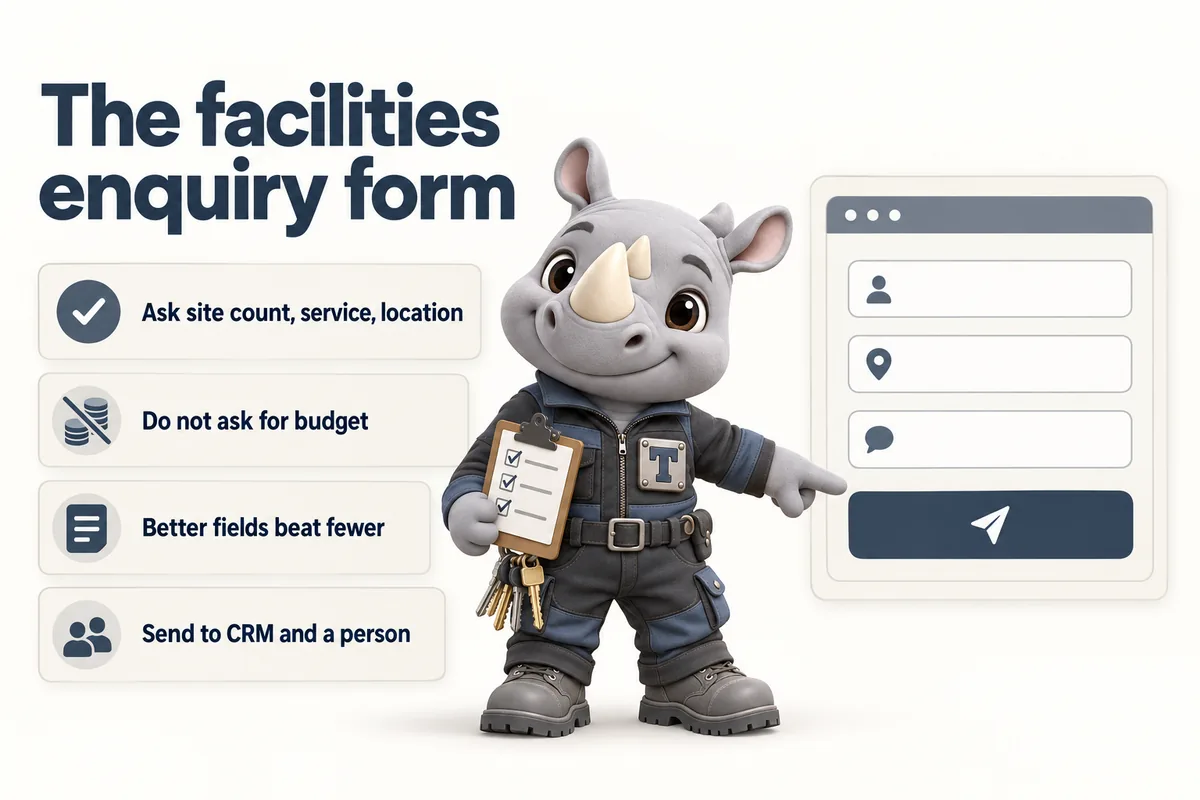
A facilities company’s enquiry form should ask for site count, service line and location, and it should not ask for budget. Those three additions and that one omission change the economics of every enquiry that arrives, because they turn an undifferentiated message into something an estimator can act on without a discovery call.
The standard form on a facilities website asks for name, email, phone and message. It is easy to build, it is easy to fill in, and it is why the first conversation with every enquiry is spent establishing facts that could have been captured in three dropdowns. The cost of that is not the call itself. It is the delay: an enquiry that needs a call before it can be quoted sits in a queue, and a buyer comparing three suppliers is often gone before it gets to the top.
Why “Fewer Fields” Is the Wrong Rule Here
The advice to minimise form fields is real advice from a real context, and the context is not yours.
It comes from high-volume consumer acquisition, where the product is standardised, the value per lead is low, and the goal is maximum completions. Under those conditions every field is friction and friction costs conversions. That logic is sound where it applies.
Facilities management is the opposite shape. The value per contract is high, the service is not standardised, and the cost of handling an unqualified enquiry is significant because it consumes an estimator rather than a salesperson. Under those conditions the goal is not maximum completions. It is maximum usable enquiries, and a field that filters out somebody who was never going to become a contract has done you a favour.
There is also a signalling effect worth naming. A form that asks nothing communicates that the company is not busy. A form that asks the right operational questions communicates that the company has a process. Facilities buyers are sensitive to this in a way that consumer buyers are not, because process is the thing they are actually buying.
The Fields That Earn Their Place
Site Count
Ask how many sites the enquiry covers, as a small set of ranges rather than a number: one, two to five, six to twenty, more than twenty.
This single field separates the two completely different businesses inside every facilities company. A single-site enquiry is a local sale, usually priced from a walk round, often decided by one person. A twenty-site enquiry is a portfolio sale with a procurement process, a mobilisation plan and a different margin structure. They need different responders, different response times and different first replies.
Without this field, both arrive as “message” and both get the same generic acknowledgement. With it, routing becomes trivial and the portfolio enquiry stops being treated like a job.
Service Line
Ask which service the enquiry is about, as a checkbox group rather than a dropdown, because facilities buyers frequently want more than one.
The list should be your actual service lines in your actual words: janitorial, hard services maintenance, grounds, waste, security, or whatever you genuinely run. Include an “other, tell us below” option and mean it.
Checking more than one box is itself information. An enquiry that ticks cleaning and grounds and waste together is an integrated enquiry, and that changes who should reply to it.
Location
Ask for the town, city or postcode of the site, not the buyer’s office address.
This matters because the two are often different and it is the site that determines whether you can serve the work. It also lets you answer the coverage question in the automated acknowledgement, which is the single highest-value thing an acknowledgement can do. A buyer who receives a reply within a minute confirming that you cover their location has already had their main question answered before a human has read anything.
Service Type
Ask whether the enquiry is for a new contract, a re-tender of an existing one, an additional service on an existing contract, or a one-off job.
A re-tender is the most valuable box on most facilities forms and almost nobody asks. It means there is an incumbent, a known specification, a defined date and a buyer who has already decided to change something. That enquiry deserves a faster and better response than a speculative one, and you can only give it that if you know.
Timescale
Ask when the buyer needs the service to start, as ranges: immediately, within a month, one to three months, later or not yet decided.
Facilities procurement runs on notice periods. Knowing whether an enquiry is three weeks or six months from a decision decides whether it goes to the top of the estimating queue or into a nurture sequence, and it costs the buyer one click.
Name, Email, Phone, and the Message
Keep these, obviously. Two details are worth getting right.
Make the phone optional and say why beside it, something like a note that you only call if asked. Buyers in this sector are wary of being called, and an optional phone field with a stated policy gets a higher completion rate than a required one.
Keep the free-text message box, and label it with a question rather than the word “message”. “What do you need, and what is prompting the change?” produces a materially more useful paragraph than an empty box labelled Message, because it tells the buyer what kind of information is wanted.
What Not to Ask
Do not ask for a budget. In consumer services a budget field qualifies. In facilities services it usually just produces a blank or a guess, because the buyer genuinely does not know until somebody has walked the site. Worse, it signals that you are sorting by price rather than by fit, which is exactly the impression a quality-led contractor should avoid creating at first contact. Site size, site count and service lines give you the same commercial signal without asking the buyer to invent a number.
Do not ask how they heard about you on the enquiry form. It is a question for onboarding, not for first contact, and it costs a field that a routing question should have had.
Do not ask for a company size or industry classification unless you genuinely route on it. Every field that does not change your behaviour is pure friction.
The Mechanics That Decide Whether It Works
A well-designed form still fails if the mechanics are wrong, and the mechanics are where most facilities forms quietly break.
Visible Labels, Always
Every field needs a label that stays visible while the field is being filled in. Placeholder text vanishes on the first keystroke, which means anyone who is interrupted, distracted or reading slowly has lost the question. The W3C’s guidance on labels and instructions treats a persistent label as the baseline and a placeholder as an optional extra.
This is not a niche accessibility concern in this sector. A facilities enquiry is often filled in on a phone, on site, between other tasks, by someone who will be interrupted. The label needs to survive that.
Correct Autocomplete Values
Put the right autocomplete token on every field that has one: name, organization, email, tel, postal-code. It costs nothing and it lets a browser fill the form in one tap.
This is also a formal accessibility requirement. The W3C’s criterion on identifying input purpose exists precisely so that assistive technology and browser autofill can recognise what a field is for, and the MDN reference lists the tokens available. On a form that is going to be completed on a phone more often than not, autofill is the difference between a thirty second task and a two minute one.
Validation That Helps Rather Than Blocks
Use the browser’s own validation where it works, and keep custom validation minimal. The common failure is over-strict phone or postcode patterns that reject valid input from a format the developer did not anticipate, which produces a buyer who cannot submit and does not tell you.
The second common failure is validating on every keystroke, so the field turns red while the buyer is still typing the second character of their email address. Validate when a field is left, not while it is being used.
It Has to Work Without JavaScript
A form that depends entirely on scripts to submit will silently fail for a proportion of visitors, and on a corporate network with aggressive content filtering that proportion is not negligible. Give the form a real action and method so a submit does something sensible even when the enhancement layer never loads, and treat the scripted path as an improvement on top of a working baseline rather than as the only path.
This is the kind of defect that never shows up in testing, because testing happens on a machine where the scripts always load. It shows up as an enquiry that was never received and never chased.
The Out of Hours Problem
One more thing belongs near the form, and it is not a field.
A meaningful share of facilities enquiries are urgent and arrive outside office hours, because that is when things break. A form is the wrong instrument for those, and a buyer with water coming through a ceiling is not going to fill one in. What they need is a number, visible, with a plain statement of what it reaches.
Put that beside the form rather than hiding it behind a contact page. Say what the number is for, when it is staffed, and what happens if it is not. “Reported faults outside core hours: call this number, answered by the duty desk” is worth more than any field on the form to the buyer who needs it, and it costs a line.
The same principle applies to the opposite case. A buyer who wants a conversation rather than a form should be able to book one directly. Offering both a form and a scheduled call covers the two ways facilities buyers actually prefer to make contact, and neither one cannibalises the other: they are used by different people at different stages.
Where the Submission Should Land
Send every submission to two places: the system that already tracks your work, and a named human’s inbox.
The system of record matters because an enquiry that exists only in an inbox has no status, no owner and no follow-up. Whether that is a CRM, a helpdesk or the job management system your operations team already lives in matters less than the fact that the enquiry enters a place where it will be seen again tomorrow. Routing enquiries into an existing system is usually a small integration and it is almost always the highest-return change available.
The named inbox matters because integrations break. When a token expires or an endpoint changes, a form that writes only to an integration goes quiet, and nobody notices that nothing has arrived because nothing arriving looks exactly like a slow week. An email copy to a person who would notice its absence is the cheapest monitoring you will ever deploy.
One more thing: make the acknowledgement useful. Confirm what was received, name the person who will reply, state the response time you actually meet, and answer the coverage question if the location field lets you. An acknowledgement that does those four things is doing real work while the buyer is still deciding who to shortlist.
Routing: Who Gets the Enquiry
The fields only pay off if something different happens to different enquiries, and that is a routing decision rather than a form decision.
A workable set of rules for most facilities companies fits on one page. Portfolio enquiries, meaning six sites or more, go to whoever owns business development, regardless of service line. Re-tenders go to the same place, because an incumbent contract with a decision date is the highest-value thing that arrives all week. Single-site enquiries go to the estimator or manager responsible for that region, using the location field. Multi-service enquiries go to whoever can speak to both lines rather than being split in two. Anything that ticks “other” goes to a human to read before it is routed at all.
Write those rules down before building anything. Teams routinely automate a routing process nobody has agreed, and the result is an enquiry sitting in a queue that belongs to a person who is on leave.
The second half of routing is what happens when the owner does not respond. Facilities enquiries have a short half-life, particularly re-tenders, and an enquiry that waits three days has usually been answered by a competitor. A simple escalation, where anything unacknowledged after a working day goes to a second person, recovers more revenue than most of the marketing that produced the enquiry in the first place.
What the Form Tells You Over Time
A form with routing fields quietly becomes the best market research your company has, for no additional effort.
After a few months the service line checkboxes tell you which lines are actually in demand, as opposed to which ones you talk about most. The site count ranges tell you whether you are attracting the size of client you want or drifting down-market. The service type field tells you what proportion of your pipeline is re-tender work, which is the cleanest single indicator of whether your reputation is doing any selling. The location field tells you which markets are producing enquiries you cannot serve, which is a coverage decision waiting to be made.
None of that is available from a form whose only structured field is an email address. It is a genuine strategic return on ten minutes of field design, and it arrives whether or not anyone was looking for it.
One caution: resist adding fields to satisfy curiosity. Every field has to change either the routing or the first reply. A field that only feeds a report is a field that costs completions for someone else’s benefit, and over a year that trade is a bad one.
Testing It Properly
Fill it in yourself, on a phone, on mobile data, as though you were a facilities manager between meetings. Then have somebody who has never seen it do the same while you watch and say nothing.
Two things usually surface. A question whose wording seemed obvious internally turns out to be ambiguous to a buyer, and a required field turns out to be one people genuinely cannot answer. Both are cheap to fix and neither is discoverable from the office.
Then check the plumbing end to end, not by inspecting configuration but by submitting a real enquiry and confirming it appears in every destination. Do it again after any change to the site, and put a reminder in the calendar to do it quarterly regardless. The most expensive form defect in this industry is not a bad field. It is a form that stopped delivering in March and was noticed in June.
Sources
Frequently asked questions
How many fields should a facilities enquiry form have?
Enough to route and qualify the enquiry, which for facilities work is usually between six and nine. The advice to use as few fields as possible comes from consumer marketing, where volume is the goal; in contract services the goal is a smaller number of enquiries you can actually quote.
Should an enquiry form ask for a budget?
Rarely, and almost never as a required field. Facilities buyers frequently do not have a figure before a site visit, and asking for one signals that you are qualifying on price rather than scope. Asking for site size, site count and service lines gets you the same information more reliably.
What is the single most valuable field to add?
Site count, because it separates a single-building enquiry from a portfolio enquiry in one answer and those two enquiries need completely different responses. Service line is a close second.
Does every field need a visible label?
Yes. Placeholder text disappears the moment someone starts typing, which leaves anyone who is interrupted with no way to recover what the field was for. Accessibility guidance treats visible labels as the baseline and placeholders as an addition, not a replacement.
Where should form submissions go?
Into whatever system already tracks your work, plus an email to a named person as a backstop. A form that writes only to a database nobody opens, or only to an inbox nobody owns, will lose enquiries either way.
Want a site like the one described here? Book a demo with FacilityWebStudio.